runv
the dashboard, and everything it does
in the terminal: help runv
runv is your dashboard. On its own it opens the screens; with a screen's name after it, that screen prints as plain text, which is handy in scripts.
runv              the dashboard: arrows or j/k to move, q to quit
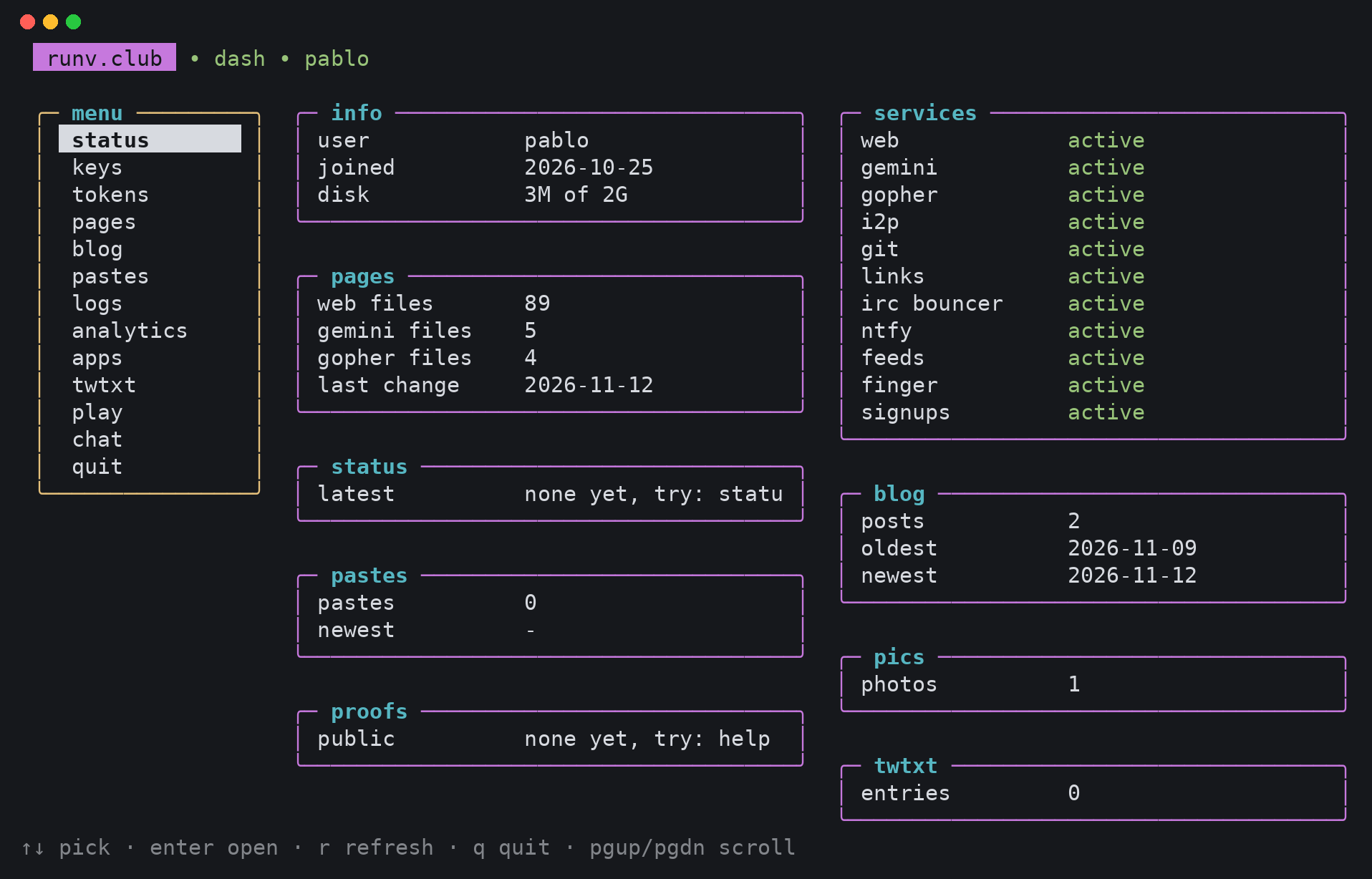
runv status       your account, disk, the services and your stuff
runv keys         your SSH keys (in the dashboard: a adds, d deletes)
runv tokens       passwords for the IRC bouncer and ntfy (i, n)
runv pages        your addresses on web, gemini, gopher and i2p
runv blog         your posts
runv pastes       what you shared with pb
runv logs         visits to your pages, last 14 days, addresses cut short
runv analytics    the numbers, if you turned them on (t on/off, f month/day)
runv apps         your app or tunnel at you.runv.sh
runv twtxt        your twtxt
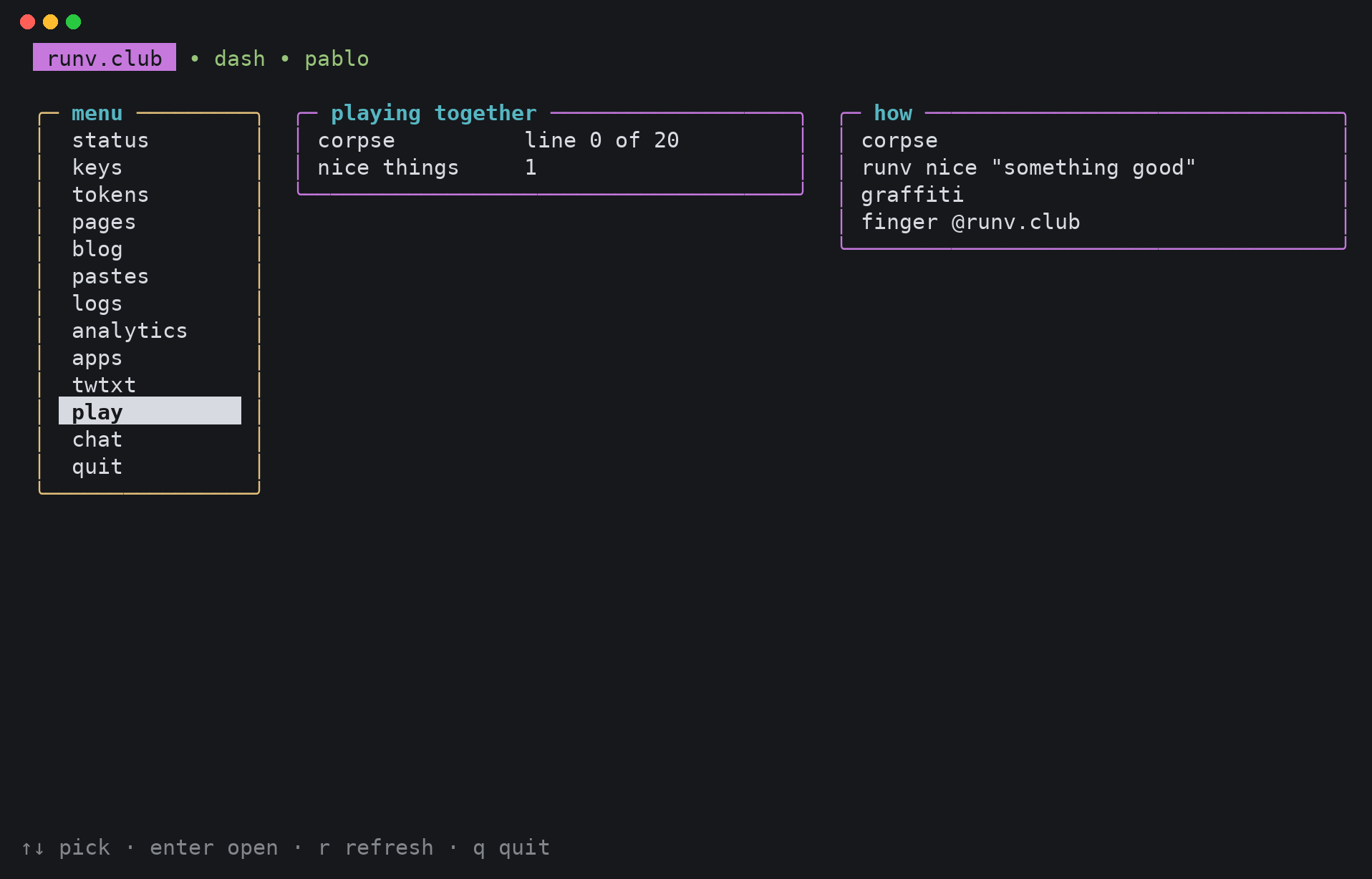
runv play         corpse, nice things and the graffiti wall
And what it does besides showing things:
runv keys add [FILE]       add a public key (reads stdin without FILE)
runv keys rm N             remove key number N
runv token irc|ntfy        a new password for that service
runv lemmy                 an account on lemmy.club (help lemmy)
runv link ...              short links (help go)
runv proof ...             profiles elsewhere that are you too (help proofs)
runv domain ...            your own domain name (help domains)
runv mail forward ...      where you@runv.club goes (help mail)
runv analytics on|off      count visits to your pages (help analytics)
runv nice "TEXT"           something nice, without your name (help nice)
runv help lists all of it.
This is what it looks like, on the status screen:
And the play screen, with how the exquisite corpse is going and how many nice things are out there:
Every screen also prints as plain text. runv keys | grep laptop works, and so does runv status > status.txt.